
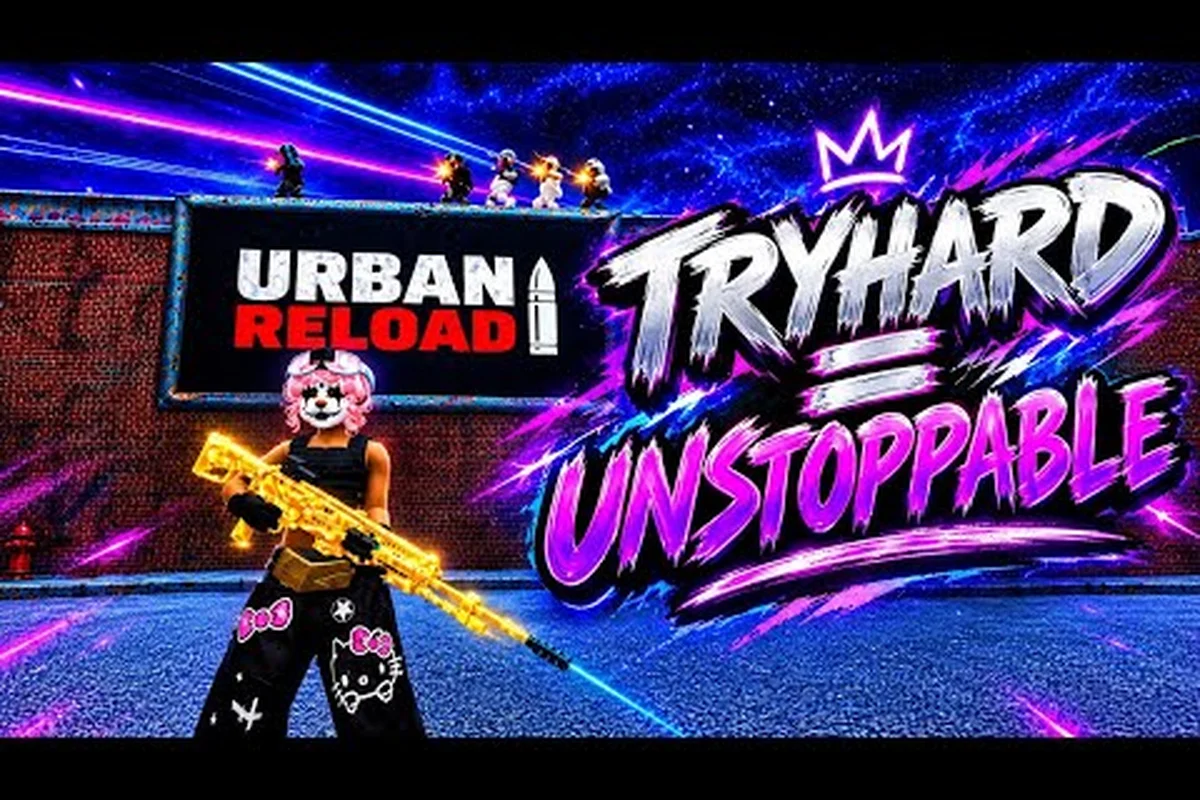
Urban Reload update rewards matter because a short seasonal event can contain the game’s most valuable Mythic Box before its timer expires. Learn which Halloween tasks to finish, how to track the Urban Reload update history, and where limited rewards appear.
Urban Reload Update Rewards at a Glance
The latest Urban Reload update centers on Halloween content, ghost-related objectives, and rewards earned through event progression. The most useful distinction is between a permanent unlock, a limited-time cosmetic reward, and a high-rarity reward that may depend on completing the event before it closes. That distinction matters because players can finish an objective and still miss its reward if they assume every item remains available afterward.
The information below focuses on the verified community materials available for the Halloween update. Because reward behavior can vary by platform or version, players should confirm current availability inside the game before committing time to a long objective chain.
| Reward type | What it may represent | Availability concern | Best action |
|---|---|---|---|
| Mythic Box | A rare reward associated with Halloween progression | It may be tied to event completion | Finish eligible event objectives before the deadline |
| Event rewards | Rewards granted for participating in limited activities | The reward list can rotate or expire | Check the current event panel regularly |
| Halloween rewards | Seasonal items tied to the active spooky event | Usually tied to the update period | Complete repeatable tasks early |
| Progress rewards | Items awarded through a reward track or milestone | May depend on total event progress | Prioritize milestones that unlock early |
| Permanent unlocks | Features or account progression that remain after the event | Generally less time-sensitive | Claim as soon as it becomes available |
What the Halloween update added
The Halloween update is the clearest reference point for current event rewards because community footage focuses on its ghost objectives. In urryuk’s Urban Reload Halloween ghost-location video, the creator demonstrates the event’s ghost-related content in a short one-minute-ten-second clip. This is community gameplay rather than an official reward table, so it is useful for locating content but should not be treated as proof that every displayed drop is guaranteed.
A second community recording, IIGNiiS’s Urban Reload Halloween update showcase, runs 1 hour, 29 minutes, and 44 seconds. It can serve as a visual guide for players comparing event areas, objectives, and rewards. Longer footage may reveal information missed in short clips, although exact drop rates and completion rules still need confirmation from the live interface.
The three reward categories to understand
The event completion reward is the main reason to revisit the Halloween objectives. If the Mythic Box is attached to a completed milestone, partial progress may not be enough. Players should treat objective completion, reward approval, and inventory collection as three separate checks because a completed task does not always mean the item has been delivered instantly.
The limited-time reward pool is less predictable. During an Urban Reload limited event, rotating rewards may draw from a smaller selection than the permanent shop. Community reports are useful for finding older reward names, but they cannot confirm whether an item remains obtainable after a patch or server restart.
The seasonal track is the safest repeatable route. Even when a premium or random reward is tied to specific milestones, smaller rewards along the track can make the event worthwhile. Players should claim each completed tier before starting another repeatable activity, which prevents a finished milestone from being overlooked.
Urban Reload Event Rewards and the Mythic Box
Urban Reload event rewards are tied to active activities, seasonal milestones, and limited reward pools. The key planning rule is to identify the required objective before farming. A ghost location, combat challenge, and milestone may all contribute to event progress, but they do not necessarily award the same item. Securing the Mythic Box depends on the specific reward condition shown in the live event interface.
A practical reward checklist
Before repeating activities, open the Halloween event panel and write down three items: the final reward condition, the number of event tasks required, and the remaining availability window. This check prevents the common mistake of spending time on a related but non-rewarding objective. It also makes the Urban Reload changelog easier to interpret, because every task can be classified as necessary, optional, or purely exploratory.
| Check | Why it matters | When to check |
|---|---|---|
| Mythic Box condition | Confirms the exact activity that awards the rare drop | Before starting the event |
| Halloween task list | Separates required tasks from bonus exploration | At the start of each session |
| Claim status | Confirms that earned rewards reached the inventory | After every milestone |
| Event timer | Prevents late-session effort from becoming wasted effort | Before long farming runs |
| Current reward pool | Reveals whether a previous drop has rotated out | After each update or restart |
Why players miss high-rarity rewards
Most missed rewards come from assumptions rather than insufficient effort. Players may complete several Halloween activities, see the Mythic Box preview, and assume it is automatically added to the inventory. If the box requires one final milestone, one particular ghost encounter, or a reward selection step, stopping before that condition is resolved can prevent the claim.
A second issue is confusing a preview with a guaranteed drop. Event screens may display a possible reward without stating the exact probability or selection rule in concise text. Unless an official notice confirms otherwise, treat the preview as a possible outcome and check the mission description for the trigger. The distinction is especially important when evaluating Urban Reload update rewards because promotional images often emphasize the best item rather than every ordinary milestone reward.
Efficient Mythic Box route
A sensible event route follows three stages: collect every required task, complete the narrowest repeatable objective needed for the final milestone, and then claim the box immediately. The Halloween update overview provides useful context for matching newly added content with its associated event panel. Players should compare that overview against their own mission list rather than assuming every new activity contributes to the same reward track.
Community footage can shorten the discovery phase. The one-minute-ten-second ghost-location clip is particularly useful for finding event targets, while the longer showcase can help players understand where those targets sit in the wider event flow. Neither clip replaces the live checklist, but together they reduce wasted searching and let players spend more time on the tasks that actually advance progression.
Urban Reload Limited Event Reward Opportunities
An Urban Reload limited event creates urgency because both its missions and its reward selection may be temporary. The safest approach is to separate rewards that are guaranteed after a specific task from items that may appear through a random pool. Guaranteed milestones support a predictable farm plan, while random drops require more patience and enough attempts to make repeated runs worthwhile.
Guaranteed milestones versus random rewards
Guaranteed milestone rewards should be completed first because they reduce the number of remaining tasks without relying on luck. Random event rewards can then fill the remaining time before the event ends. This order is also useful for players with limited playtime: if they stop after completing only random activities, they may have little progress despite a large number of runs.
| Reward pattern | Best evidence | Efficient approach | Risk |
|---|---|---|---|
| Task completion | Mission description and progress counter | Complete every required task once | Low if all conditions are met |
| Milestone track | Visible reward tier | Claim tiers in order | Low, but rewards may be modest |
| Random drop | Possible-reward display | Repeat the matching activity | Drop chance may vary |
| Selectable reward | Claim or choice screen | Review before confirming | Selection may not be freely repeatable |
| Event shop item | Rotating shop list | Buy before currency or stock expires | Availability may be limited |
Rotate repeatable activities by value
Not every activity deserves equal time. Start with an activity that produces quick progress, low downtime, and a clear counter update. Move to slower content only when the faster route has finished its useful tasks. If a ghost objective gives event progress but no special drop, it may still be worth completing when time permits; however, it should come after a mission known to advance the Mythic Box condition.
The broader Urban Reload event guide can help separate seasonal events from map changes, new vehicles, weapon balance updates, and other release content. That distinction makes the limited-event schedule easier to follow because players can focus on time-bound missions instead of treating every item introduced in an update as temporary.
Buy decisions during a limited event
Players should compare the cost of an event reward with the remaining tasks needed to earn it. A cosmetic item may be worth purchasing if it matches the account’s style, but buying several rotating items can consume the same currency needed for the final milestone. Save first when the event interface shows a more valuable later tier.
Also check whether a purchase increases account progression, such as event currency or a track tier. If it does, the purchase may outperform a plain cosmetic item for overall account value. If it does not, buy only when the item is desirable and the selection is truly limited rather than merely displayed prominently.
Urban Reload Update History and Changelog Tracking
Urban Reload update history is most useful when it is organized by reward impact. Patch notes often mix new activities, balance changes, fixes, and temporary content. Players searching for an item should first identify whether it came from a seasonal reward track, a permanent feature, a shop rotation, or a corrected bug. Only then can the changelog show whether the release added the reward or merely clarified its behavior.
A reward-focused changelog workflow
Begin with the newest update and search for reward, event, Halloween, Mythic, ghost, box, and claim terms. Read the surrounding paragraph rather than isolating a keyword. Reward descriptions often include important conditions such as mission completion, one-time claims, account-level delivery, or an event expiration date.
| Changelog signal | Likely meaning | Follow-up action |
|---|---|---|
| New Halloween event | A limited activity has started | Inspect the reward track and timer |
| Mythic Box added | A rare reward appears in the release | Locate its exact unlock condition |
| Ghost objectives | New tasks may support event progress | Compare required and optional tasks |
| Reward claim fix | Previously earned or stuck rewards may be corrected | Check the mailbox or inventory |
| Event extension | Availability may have changed | Recheck the timer before farming |
| Rotation change | The possible reward pool may have changed | Verify current items in the event panel |
Separating confirmed facts from community observations
Confirmed facts should come from official notices, the live event interface, or the game’s official store page. Community observations are valuable for navigation and player experience, but they can describe an earlier state of the event. A Halloween clip may show a ghost location, cosmetic item, or possible drop that has since rotated out.
This distinction matters for the Urban Reload update. “The update includes ghost content” is supported by the community footage, while “the Mythic Box has a specific drop rate” would require official confirmation. If a number or requirement cannot be verified, mark it as community-reported or leave it out rather than turning an inference into a mechanical fact.
What future update coverage should include
A useful update recap should record the event dates, added missions, reward names, important corrections, and any known issues. It should also note whether rewards were claimed, exchanged, or removed. The Urban Reload future updates tracker is a natural companion because upcoming patches can alter the availability of a seasonal reward or revise the event schedule.
Keep a simple log with five fields: date, update name, new event, reward impact, and personal claim status. That system prevents the common mistake of remembering only that “something changed” while losing track of a reward that required manual collection before the event closed.
Urban Reload Halloween Event Completion Strategy
The best Urban Reload update strategy is to finish required tasks early, claim every milestone, and use the remaining event period for uncertain drops. This sequence protects the guaranteed portion of the event before spending time on randomized content. It also creates a clean record for later update comparisons, especially when a patch adds new ghosts, adjusts rewards, or closes a limited pool.
A session-by-session event plan
Start by reviewing the mission panel and locating any task marked with a box, final milestone, or special reward condition. Explore the new Halloween content afterward, because finding all ghost locations can uncover tasks that are easy to overlook. Community reports about secret locations should be treated as route hints, not as a complete checklist.
| Session goal | Main actions | Reward focus | Best time to play |
|---|---|---|---|
| First session | Review missions and locate required targets | Guaranteed milestones and box condition | Immediately after starting |
| Second session | Complete repeatable event activities | Box progress or event currency | During peak playtime |
| Third session | Explore optional ghosts and bonus tasks | Additional track rewards | When exploration is convenient |
| Final session | Claim rewards and verify the inventory | Everything still obtainable | Before the timer expires |
Prevent lost progress before the event closes
Claim each reward immediately, then confirm that its icon appears in the inventory. This is especially important with the Mythic Box because a completed animation may be mistaken for a completed claim. If an item is absent, reload the interface and revisit the reward panel before assuming that it was permanently lost.
Keep a small buffer before the event end. Network delays, server maintenance, and inventory checks can consume time that a last-minute farm session does not have. Once the required box condition is met, verify the claim and use any leftover time on optional content rather than delaying the claim for uncertain bonuses.
What to record for the next update
Save the event name, date, final reward condition, and list of claimed items. If a later patch changes the interface or temporarily removes an item, this log will help distinguish a new reward from an older one. It also gives the player a useful basis for deciding whether a future seasonal event offers enough rewards to justify returning.
The result is a more efficient event loop: locate the target, complete the requirement, claim the result, and verify the inventory. Repeating that loop prevents unnecessary farming and makes the limited-event period productive even when the exact random-drop odds remain unclear.
Frequently Asked Questions
What rewards are available from the Urban Reload update?
The Halloween update includes event milestones, seasonal rewards, and a Mythic Box associated with the event’s progression requirements. Exact items and availability depend on the live reward panel and the current game version. Players should review the event interface before farming because limited rewards can rotate, while the broader Urban Reload update history helps identify earlier releases.
Can I still earn the Mythic Box after the Halloween event ends?
That depends on the condition attached to the box in the live event interface. A mission-based box may become unavailable when its event closes, whereas an item delivered through a completed milestone may remain claimable. Because no universal expiration rule was confirmed by the available community sources, check the current event panel and contact support if a completed reward is missing.
Is the Mythic Box a guaranteed random drop?
The available footage does not confirm a fixed probability, so the box should not be described as guaranteed random loot. It may be linked directly to a task, milestone, or reward selection. Read the event description carefully and complete the listed requirement rather than relying on repeated attempts, because the interface is the authoritative source for the active version.
Where can I find all Halloween ghost locations?
Community footage, including urryuk’s short ghost-location guide, can help players locate event targets efficiently. Compare those routes with the mission checklist because some ghost interactions may be optional while others advance the Mythic Box condition. The game’s live event panel remains the best source for determining which tasks are still required.
How should I track Urban Reload changelog reward changes?
Record each update’s event dates, reward names, task conditions, and whether you claimed every item. Review the newest changelog for reward corrections, extensions, or new rotations, then compare it with your event log. This approach makes the Urban Reload changelog useful for both current farming and later account history without confusing outdated community footage with live availability.
The essential takeaway is simple: verify the current requirement, complete guaranteed milestones first, claim the Mythic Box promptly, and use remaining time for uncertain event rewards. That method keeps Urban Reload update rewards organized while the limited event is still active.